Your household memory.
Label the bin once. Find anything forever.
Works in any browser. The iPhone and iPad app is on its way to the App Store.
Label the bin once. Find anything forever.
Muninn remembers what’s in every bin, so you don’t have to. In the browser on any phone or computer. The iPhone and iPad app is on its way to the App Store.
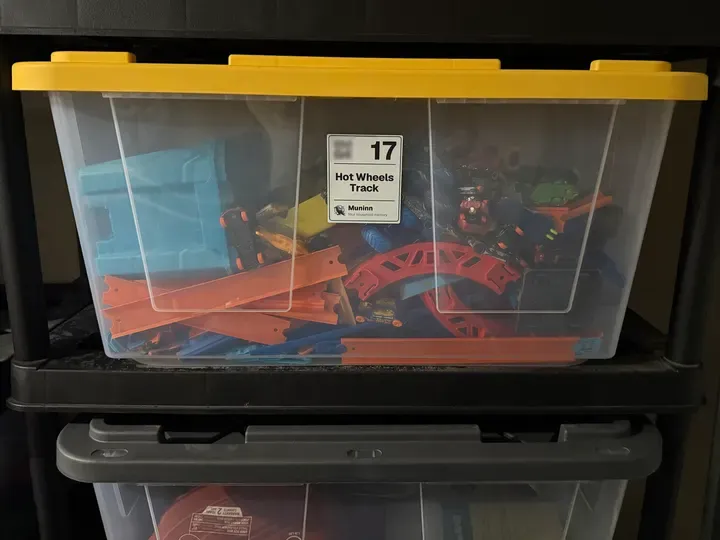
“What’s in our storage unit again?”
You pay for it every month.
You can’t remember what’s in it.
Label it once.
Find it forever.
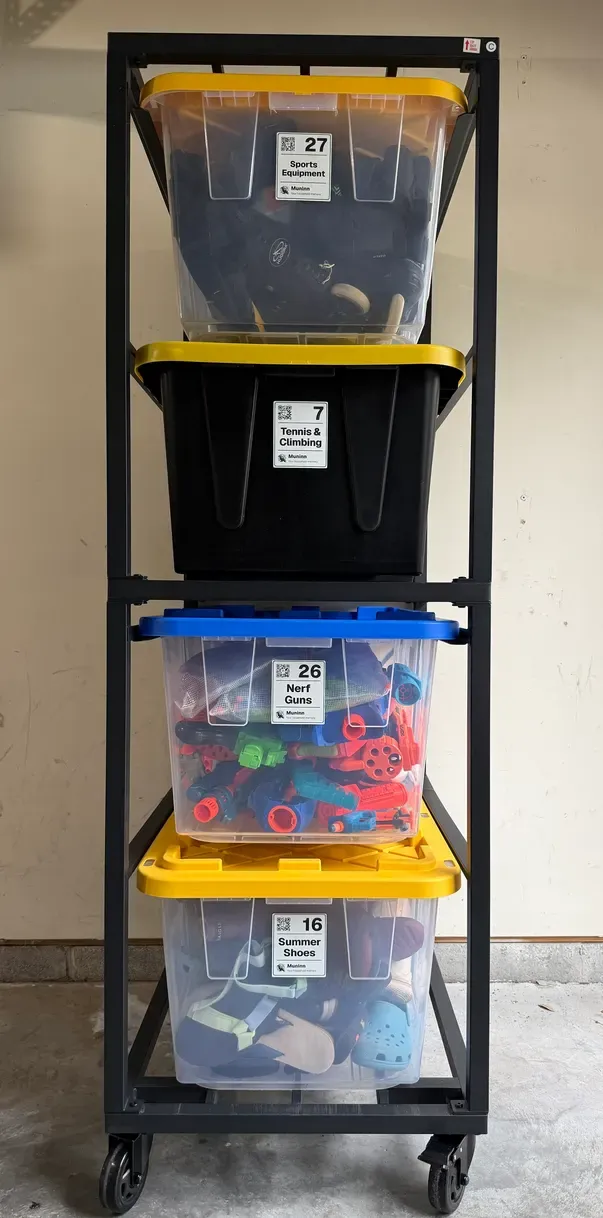
Label every bin.
Printed at home.
Avery & OnlineLabels sheets built in.Two per bin, so one always faces out.
Label every bin.
Printed at home.
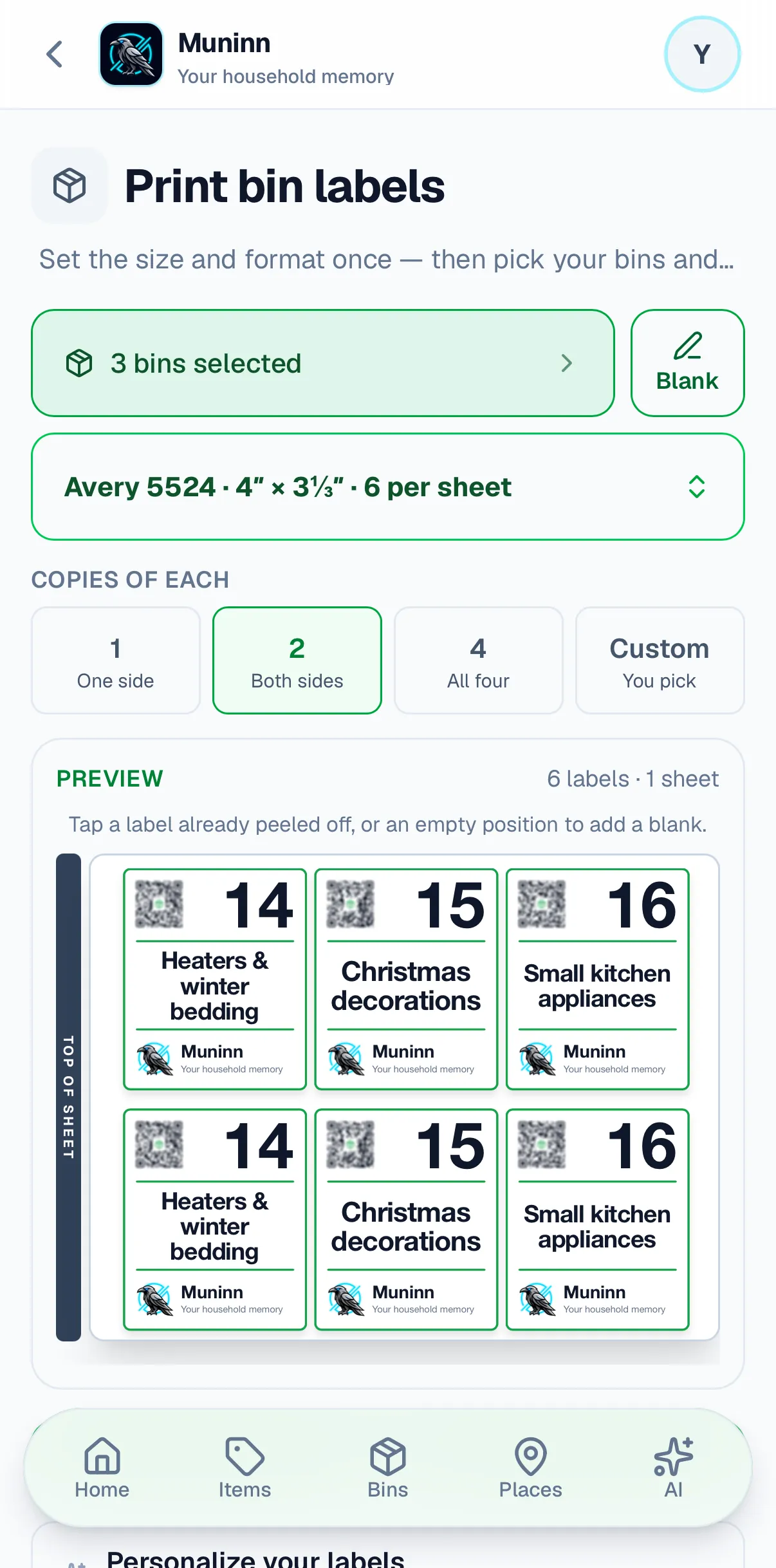
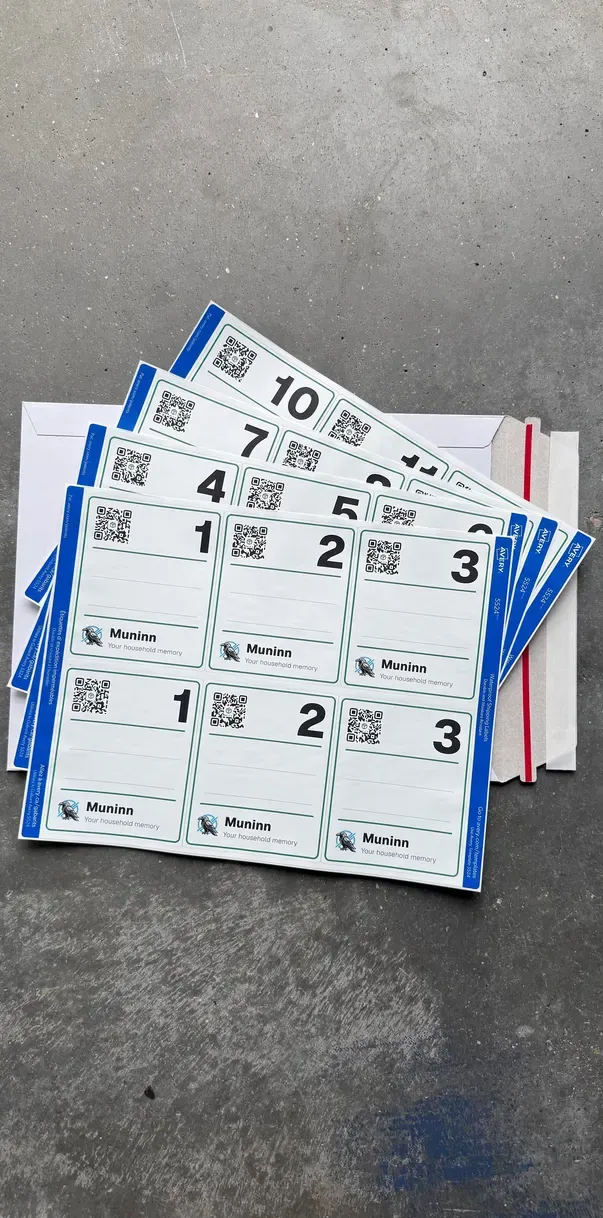
Print them at home on sheets you can buy anywhere: Avery and OnlineLabels sizes are built in. Every bin gets two labels, so one always faces out, whichever way around the bin goes back on the shelf.
Fill every bin.
Photograph it.
Point your camera at the open bin.Check what it saw. They’re in the bin.
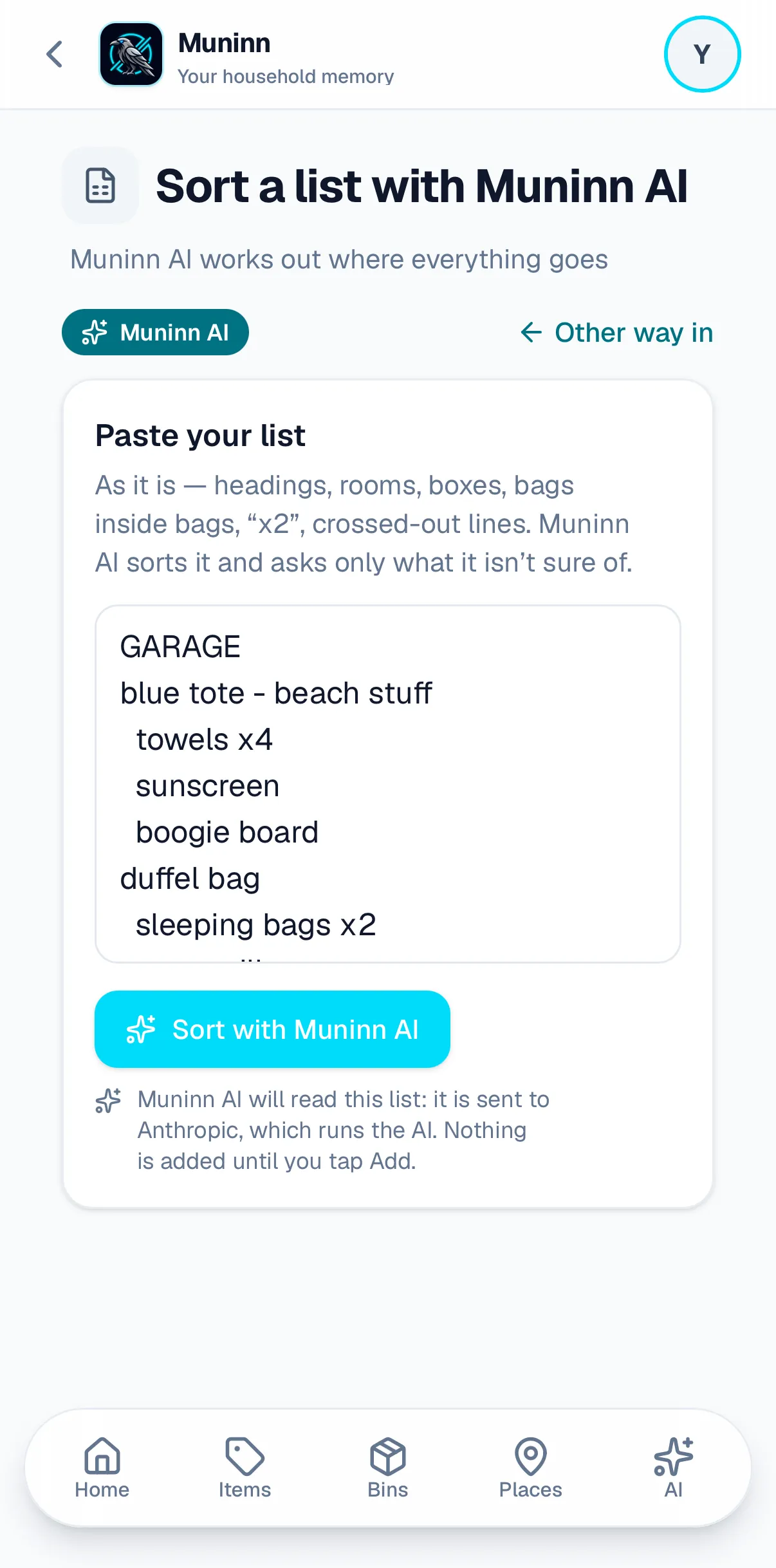
Fill every bin.
Photograph it.
Point your camera at the open bin, and Muninn AI lists what it sees. Uncheck anything it got wrong, then add the rest to the bin in one tap. It’s Muninn AI, which a household can switch off.


Every item getsan address.
Not everything lives in a bin. Bike, washer, lantern: Muninn knows the way to each.
An item in a bin on a shelf
- ItemCamping lantern
- Bin9 · Camping & outdoor
- ShelfIKEA shelf #2
- PlaceGarage
An item on a shelf
- ItemPressure washer
- ShelfWire shelf #1
- PlaceGarage
An item on its own
- ItemElectric bike
- PlaceGarage
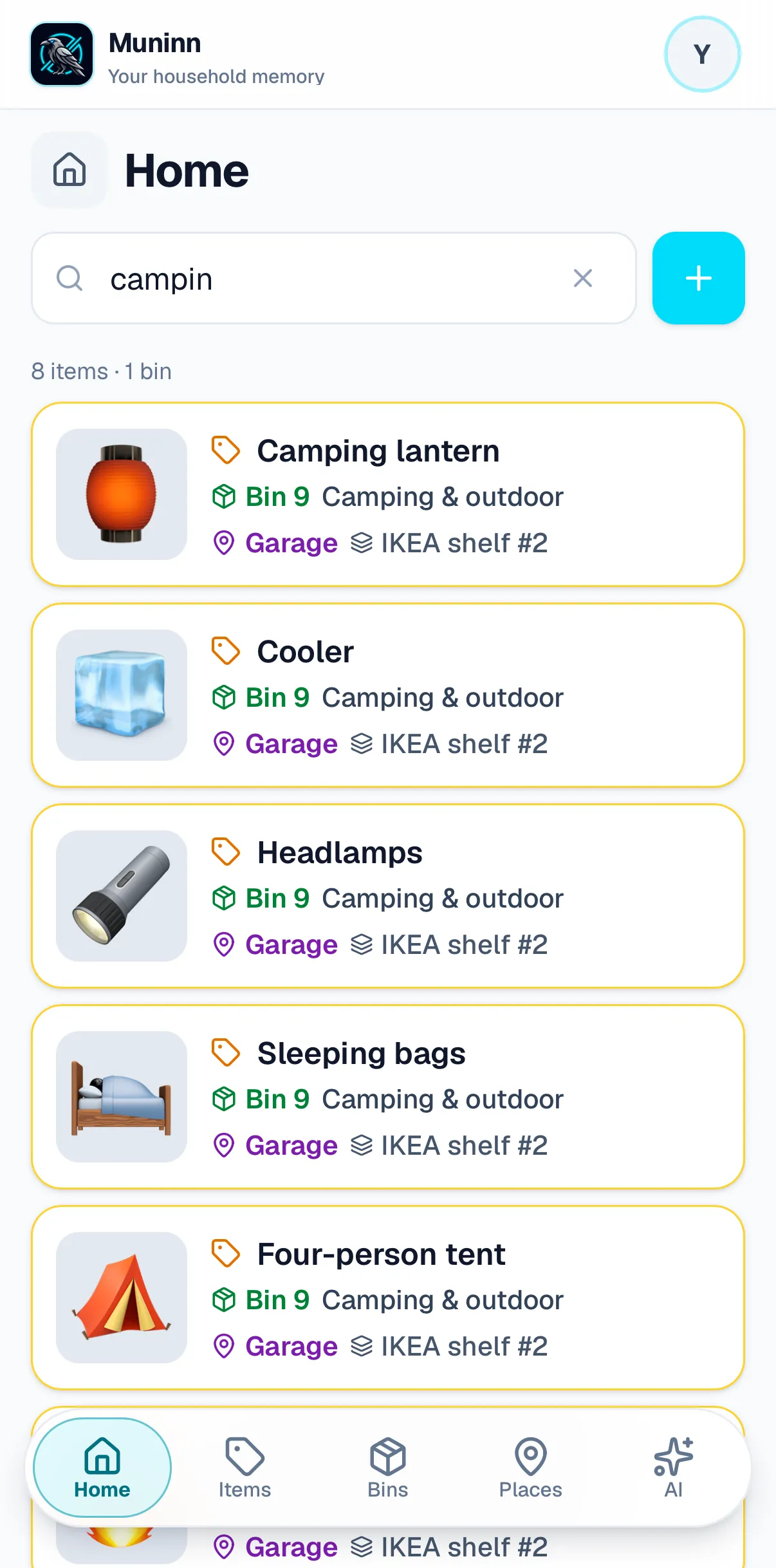
Find anything.
Search for it.
Spell it wrong. Muninn still finds it.Bin, shelf and place.
Find anything.
Search for it.
Search from anywhere, and spell it wrong if you like: “campin” still finds the camping lantern. Every answer names its place, shelf and bin, so you know where to walk before you open the garage door.


Bins move.
Muninn keeps up.
Your label never says where the bin is.Muninn does. Move it. No reprint.
Your label never says where the bin is; Muninn does.
When the bin moves, pick its new shelf in Muninn.
The label stays on the bin, and nothing gets reprinted.
Bin 15, Holiday decorations, 6 items.
Where it has been
March
Storage Unit
Holiday decorations finally go to storage. No judgment.
October
Garage
Holiday decorations come back out. PSL time!
FebruaryNow
Storage Unit
Holiday decorations, packed away until next fall.
Just ask Muninn AI.
Swap the seasons.
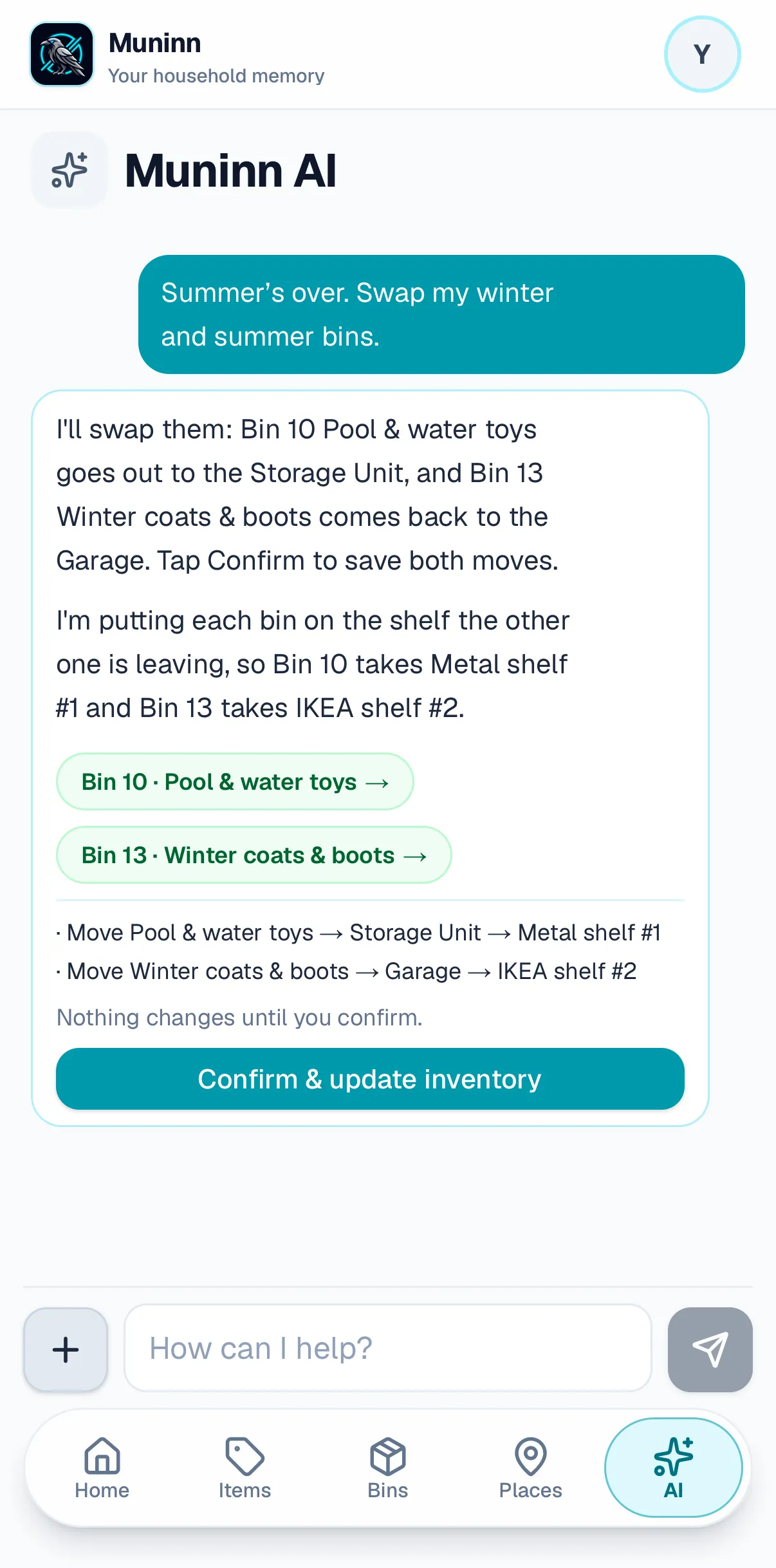
“Summer’s over. Swap my bins.”It finds the bins and offers the moves.
Just ask Muninn AI.
Swap the seasons.
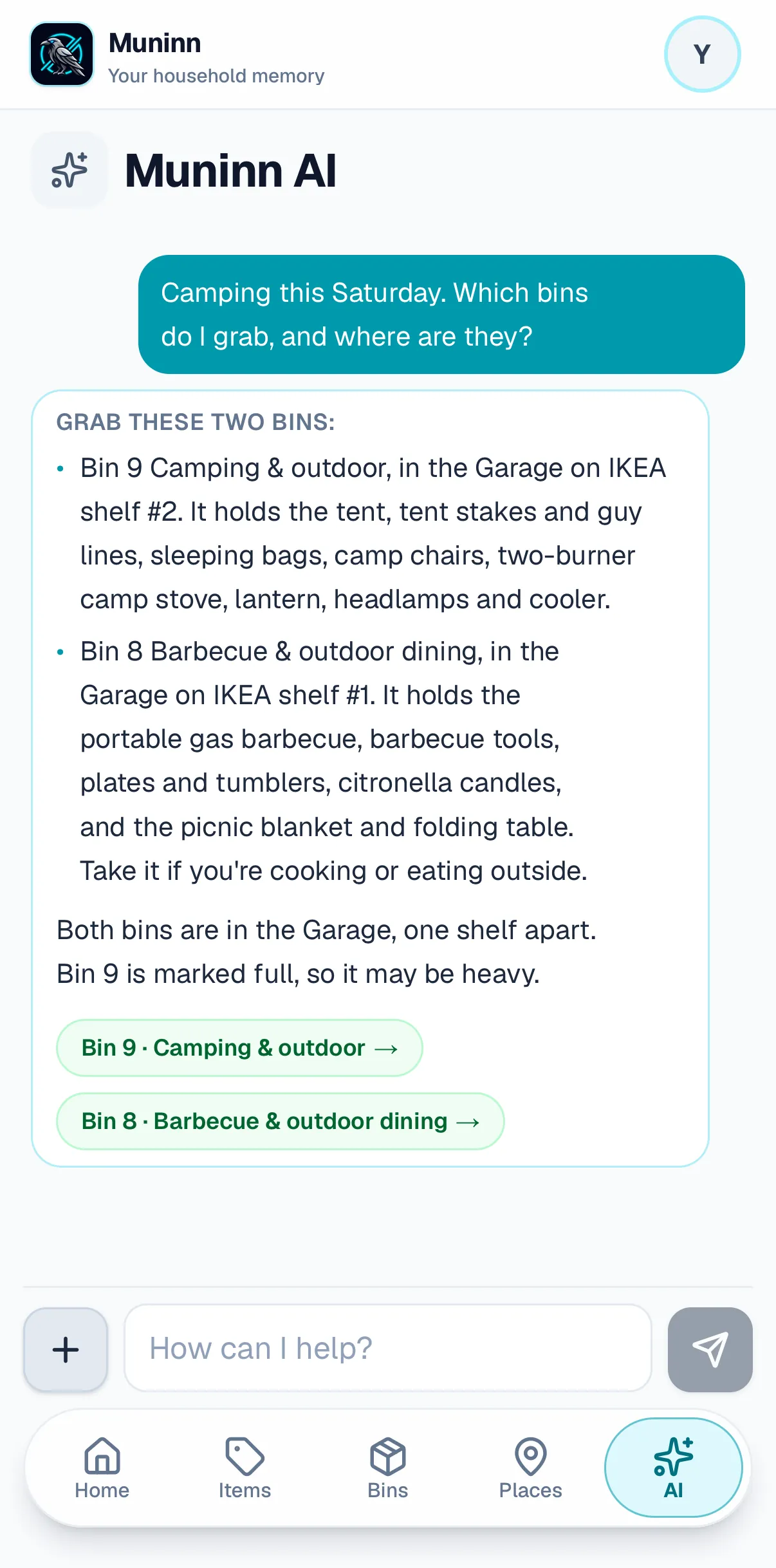
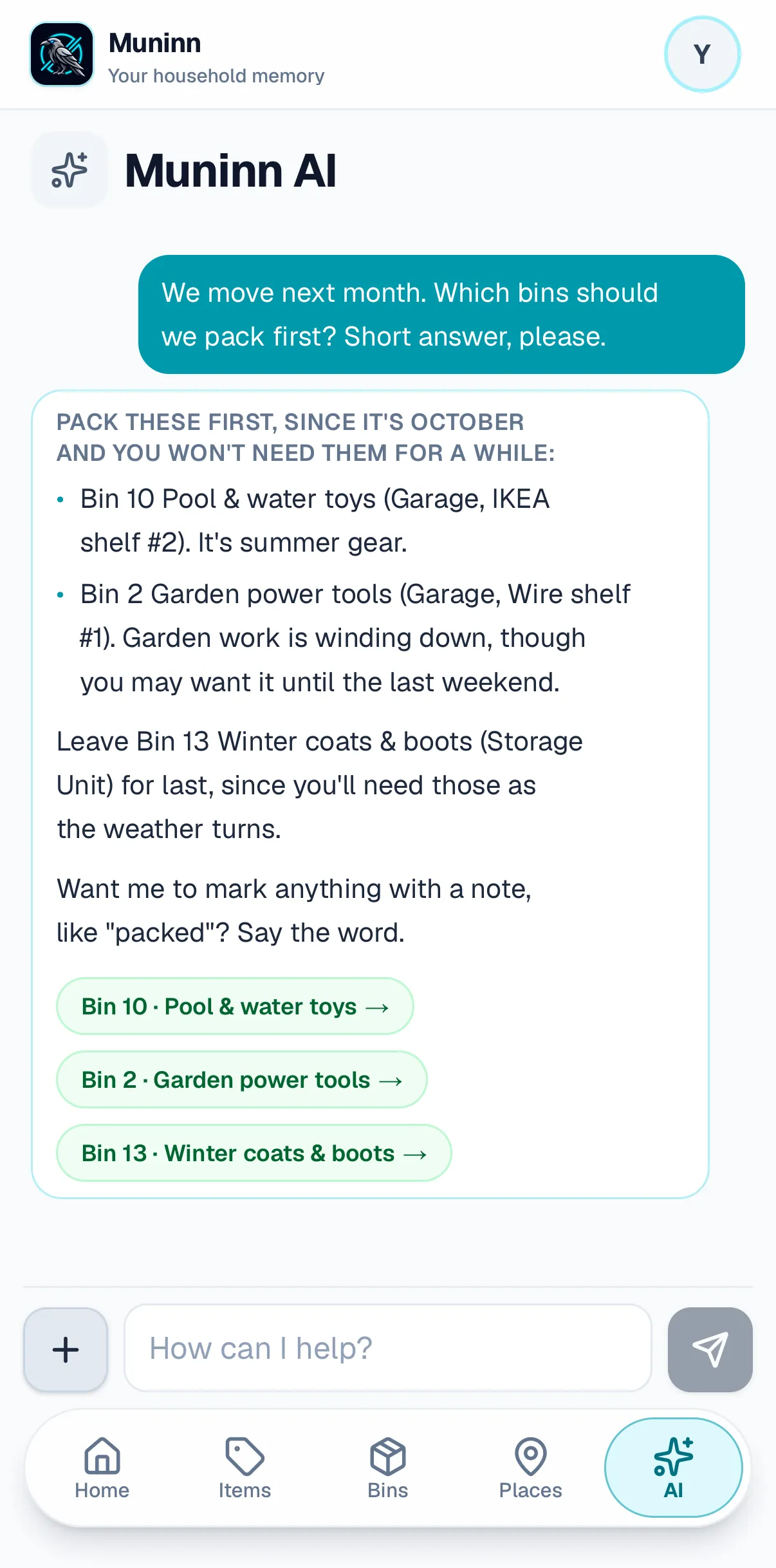
Ask Muninn AI in plain words: “Summer’s over. Swap my winter and summer bins.” It finds the bins, works out which shelf each one goes to, and offers the moves. Nothing changes until you confirm.
And there’s more
Share with your household
Invite people to add and change things, or just to look.
On your laptop too
The same inventory in any browser, with nothing extra to install.
Works with no signal
No bars in the basement? Search still answers from your device.
Your insurance list
Every item with its value and serial, ready to print or save.
Background Remover
Every bin on a plain background, in the iPhone and iPad app — on its way to the App Store.
Free to start
Free6 bins
Unlimited items, for the whole household.
No card, no clock.Label packsfrom $26
Shipped free in the US, and a pack’s bins stay unlocked for good: a Garage pack means 24 bins, subscription or not.
Muninn Plus$29.99/year
Or $4.99/month.
Unlimited bins for the whole household, bought here by card or in the iPhone or iPad app.
A limit only ever stops you adding more: what you have already put in stays yours to read, search and export. See pricing
Questions people ask first
Is there an iPhone app?
Does it work with no signal?
Who can see what’s in my bins?
Do I have to buy your labels?
How do I add my spouse or kids?
What if I want my data out?
More questions? Support — a person reads it.
Let Muninn do the remembering.
You’ve got enough to keep track of.
Start free — no credit cardBuilt by a military family after a move that ended in identical bins.